Only in stock at Info Europa
When you make use of
Automatic dropshipment via XML while using the stock status of Info Europa for your webshop with
StockFeedIncremental you can start thinking about the communication to the customer.
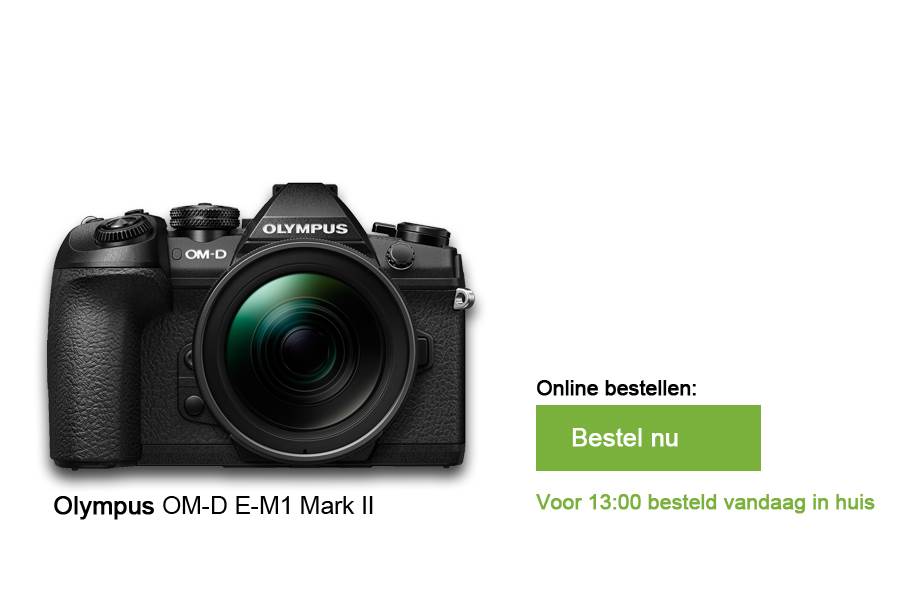
Imagine it is 23:45 and you do not have this item on stock, but Info Europa does. You can communicate to the customer that he could receive this product the next same day. There is no need to tell the customer that the product will be shipped from a differen warehouse, this would be irrelevant and would make things unnecessarily unclear. You don't communicate that you have it on stock in your store, so you will not have to dissapoint a customer and avoid misunderstandings. Obviously you want more customers in your store, by showing more product online with a positive delivery time (green) it is more likely for a customer to vistit your store. Also in the physical store you can easily make a manual dropshipment request by using our
Info webshop while the customer still receives the product the next day.
![]()
Both at Info Europa and at your own warehouse/store in stock
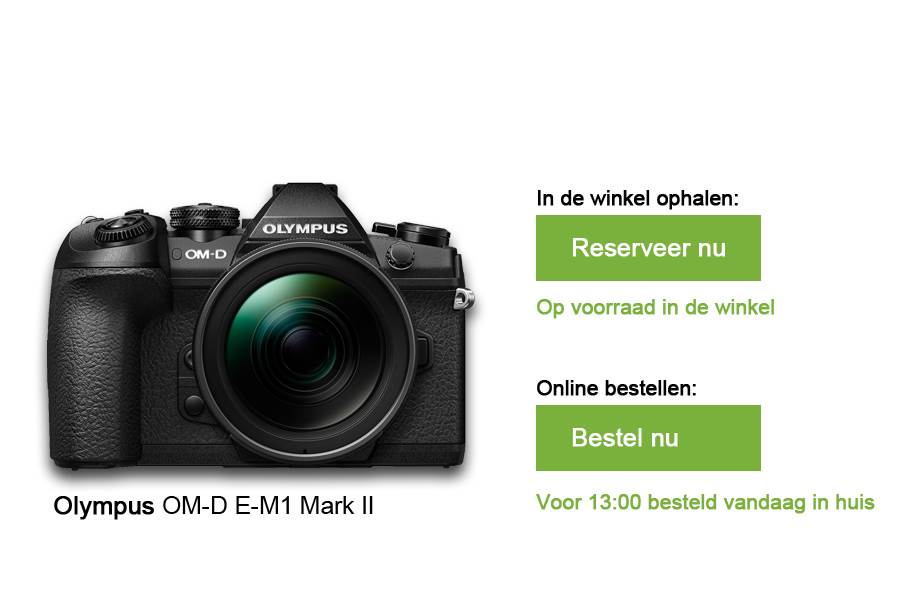
In the example below it is also 23:45, but this time it is in stock in both Info Europa's warehouse and yours. Now you can also communicate that you have it on stock en for example give the customer the option to make a reservation.
![]()
Order now - Checkout
When the customer have chosen "Order now" you can offer the customer a variety of
Delivery Methods.
Keep it simple and try not to give to many option, this mught only confuse the customer. Once the customer have chosen a delivery method you can make the customer choose a delivery day. The date and the code of the concerned delivery method can be send in the XML. It is not only important for a customer to receive its package as soon as posible, being able to choose the date is as important.